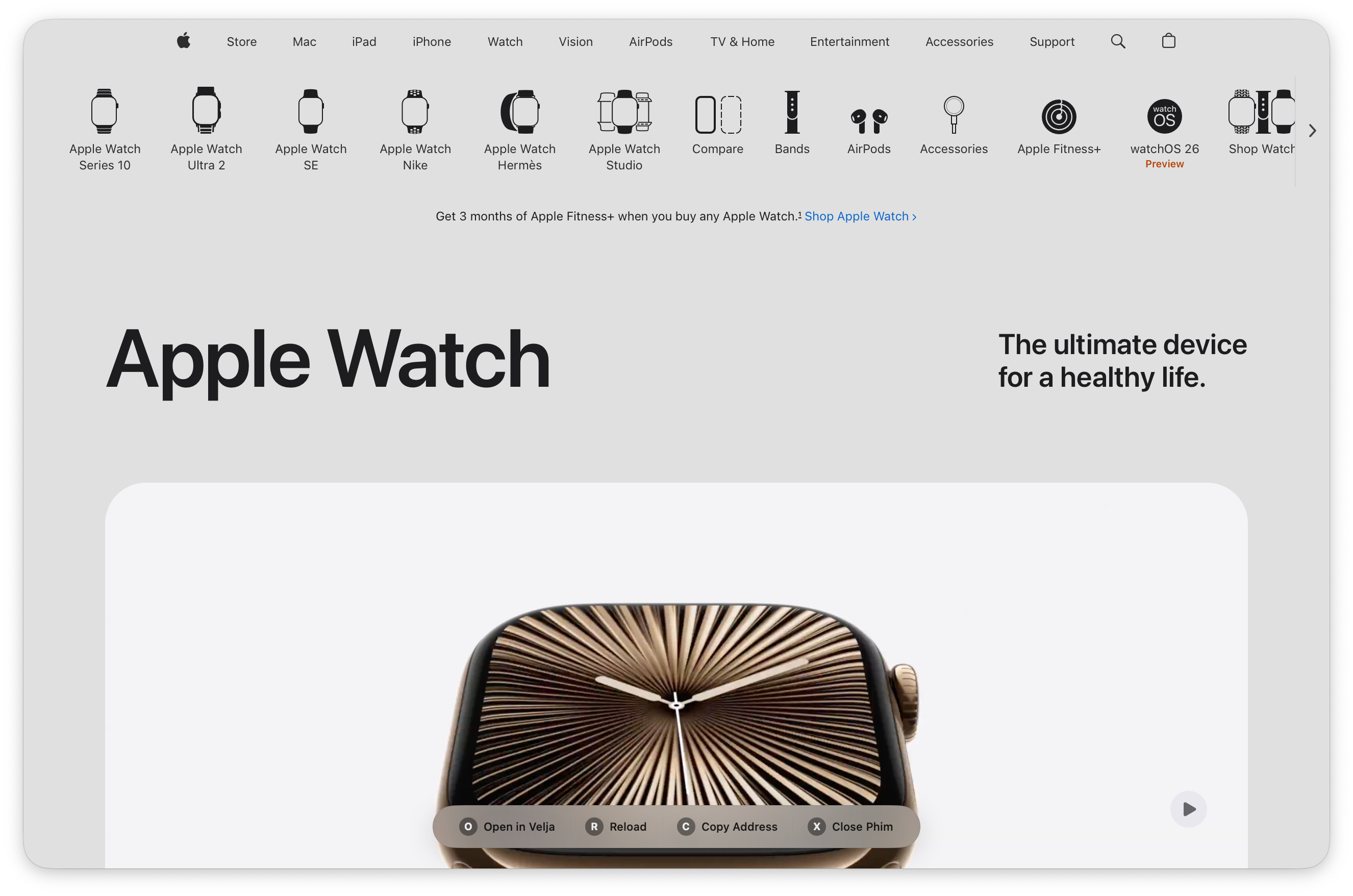
Everything you need for distraction-free reading
Distraction-free reading with beautiful typography and clean article extraction
Automatically detects and offers to open tabs from your active browser
Automatically makes light backgrounds transparent for a native macOS look
Non-persistent browsing with no cookies or cache stored between sessions
Borderless window with floating toolbar that appears only when needed
Quick keyboard shortcuts for all common actions
Transform any article into a beautiful, distraction-free reading experience
Instantly extract the main content from any article, removing ads, navigation, and distractions. Zen Mode presents text in beautiful, large typography optimized for comfortable reading.
Clean Extraction
Removes all clutter
Large Typography
36pt body text
Beautiful Layout
Optimized for reading
Phim works beautifully as a lightweight viewer in your link routing workflow
Set Phim as a browser option in Velja for specific websites or patterns. Perfect for reading documentation, articles, or any content you want to view without polluting your browser history.
Velja → Settings → Add Phim
Use Phim as your quick-look browser in Hyperduck. Hover over links to preview them in Phim's clean, ephemeral environment without leaving your current context.
Hyperduck → Preferences → Set Phim
Every Phim session starts fresh. No cookies, no cache, no history. When you close Phim, it's like it was never there. This makes it perfect for reading sensitive documents, checking competitor websites, or any time you want a truly clean slate.
The easiest way to install and keep Phim updated
Download as a disk image with drag-and-drop installer
Download DMG InstallerOpen the DMG and drag Phim to your Applications folder
Or view all releases →
Phim is currently unsigned (no Apple Developer ID certificate). macOS may show a warning when first opening the app.
This is normal for open-source apps. You can safely open it by right-clicking and selecting "Open" or using the command
xattr -cr /Applications/Phim.app.
The Homebrew installation handles this automatically.